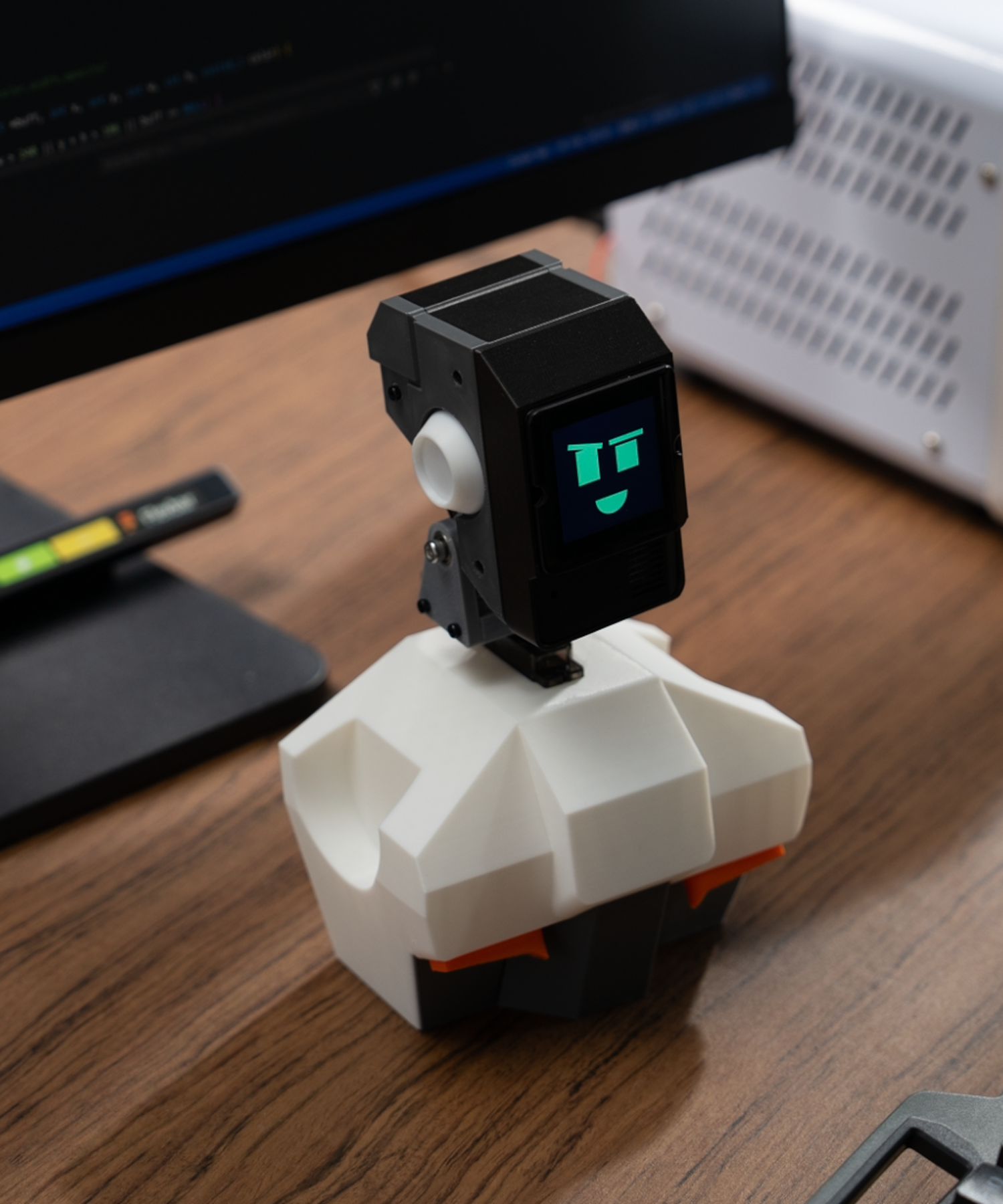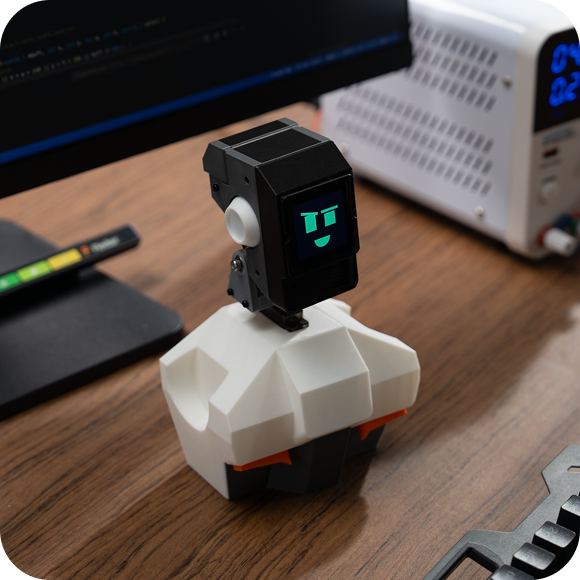


This is a desktop robot featuring RootMaker, a voice control module, and two servos. It can recognize voice commands and connect to your smart home network via Home Assistant.

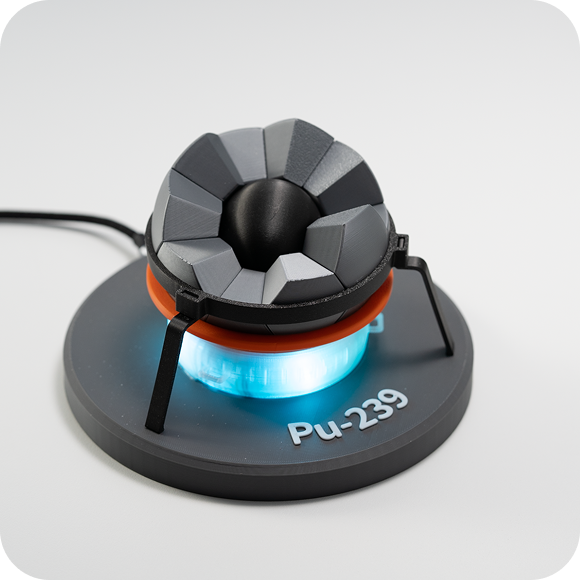
This build uses RootMaker as the core controller to create an Oppenheimer model, with lighting effects controlled through Home Assistant.

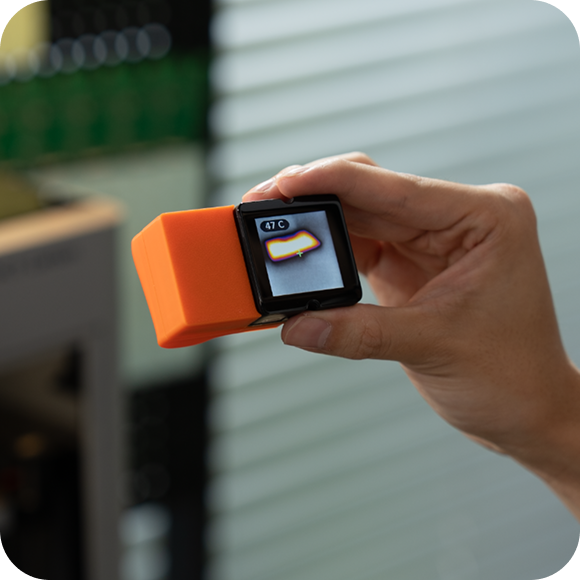
This build is a RootMaker-powered thermal imager using the Therm5K module (80×62 pixels)—a go-to tool for 3D printing and makers. You know the drill: instantly spot hotspots, heat leaks, and troubleshoot electronics at a glance.

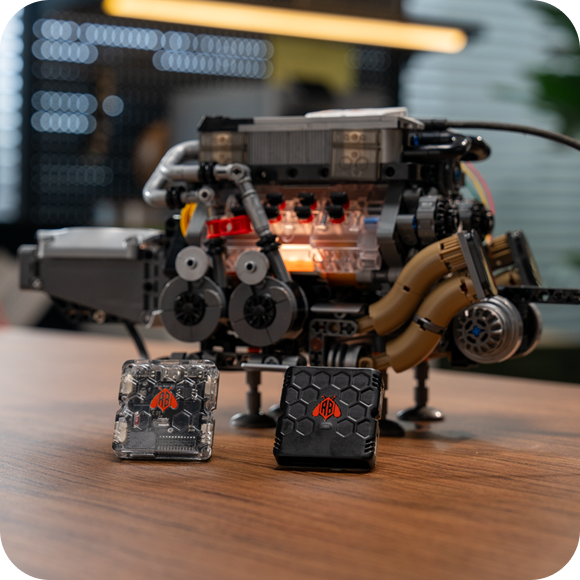
This build is made for your LEGO creations—giving them cooler, more dynamic lighting effects using RootMaker plus an RGBW LED module.

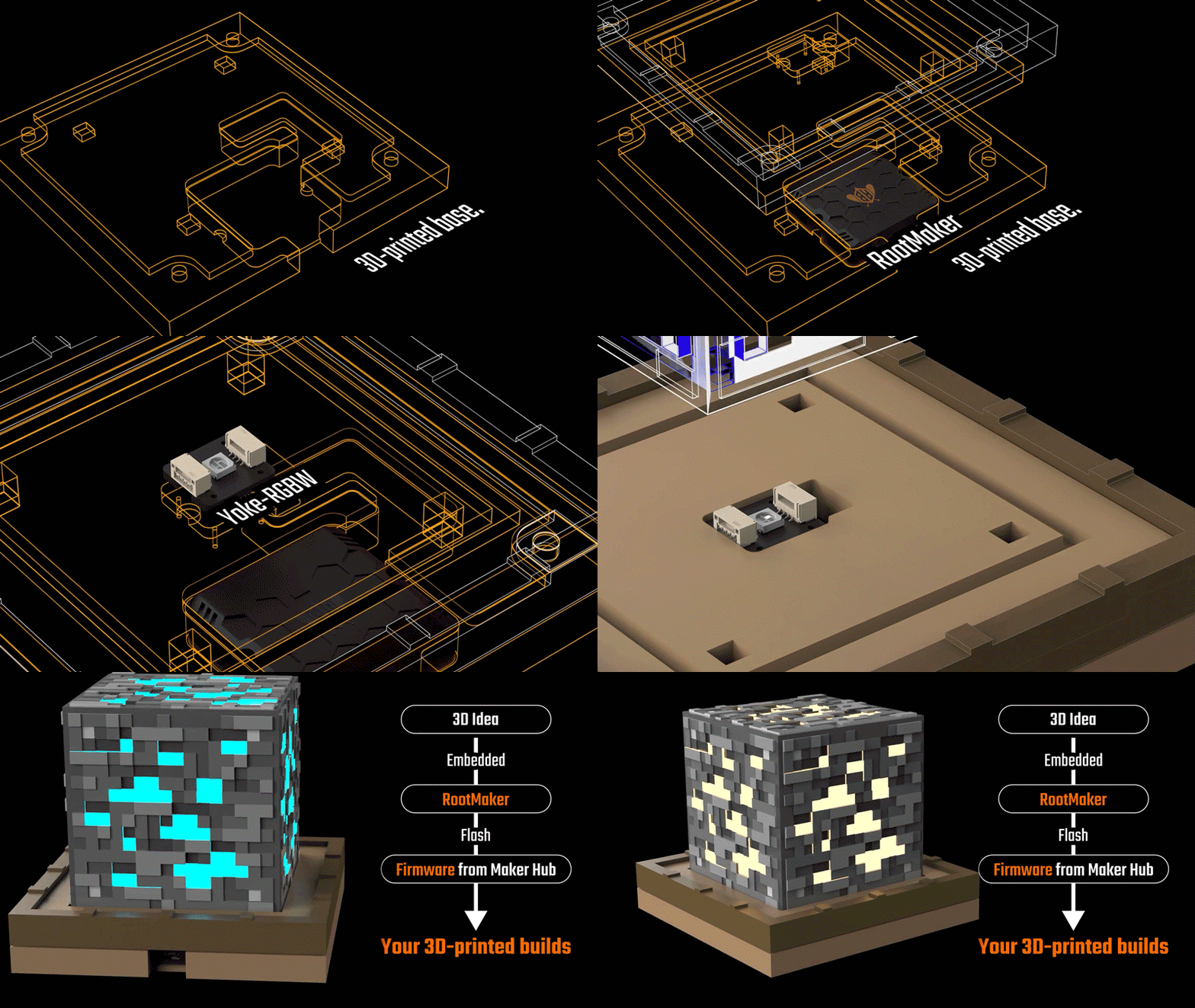
This build uses RootMaker as the core controller, featuring a built-in web server. You can switch lighting effects through the web interface, letting the piece cycle between different ore themes.

This is a desktop robot featuring RootMaker, a voice control module, and two servos. It can recognize voice commands and connect to your smart home network via Home Assistant.

This build uses RootMaker as the core controller to create an Oppenheimer model, with lighting effects controlled through Home Assistant.

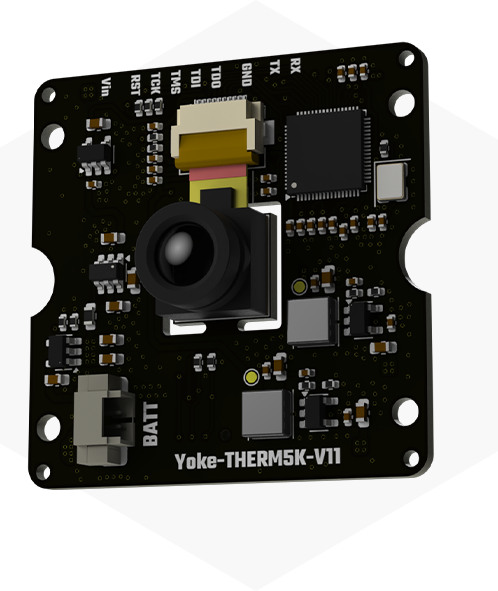
This build is a RootMaker-powered thermal imager using the Therm5K module (80×62 pixels)—a go-to tool for 3D printing and makers. You know the drill: instantly spot hotspots, heat leaks, and troubleshoot electronics at a glance.

This build is made for your LEGO creations—giving them cooler, more dynamic lighting effects using RootMaker plus an RGBW LED module.

This build uses RootMaker as the core controller, featuring a built-in web server. You can switch lighting effects through the web interface, letting the piece cycle between different ore themes.


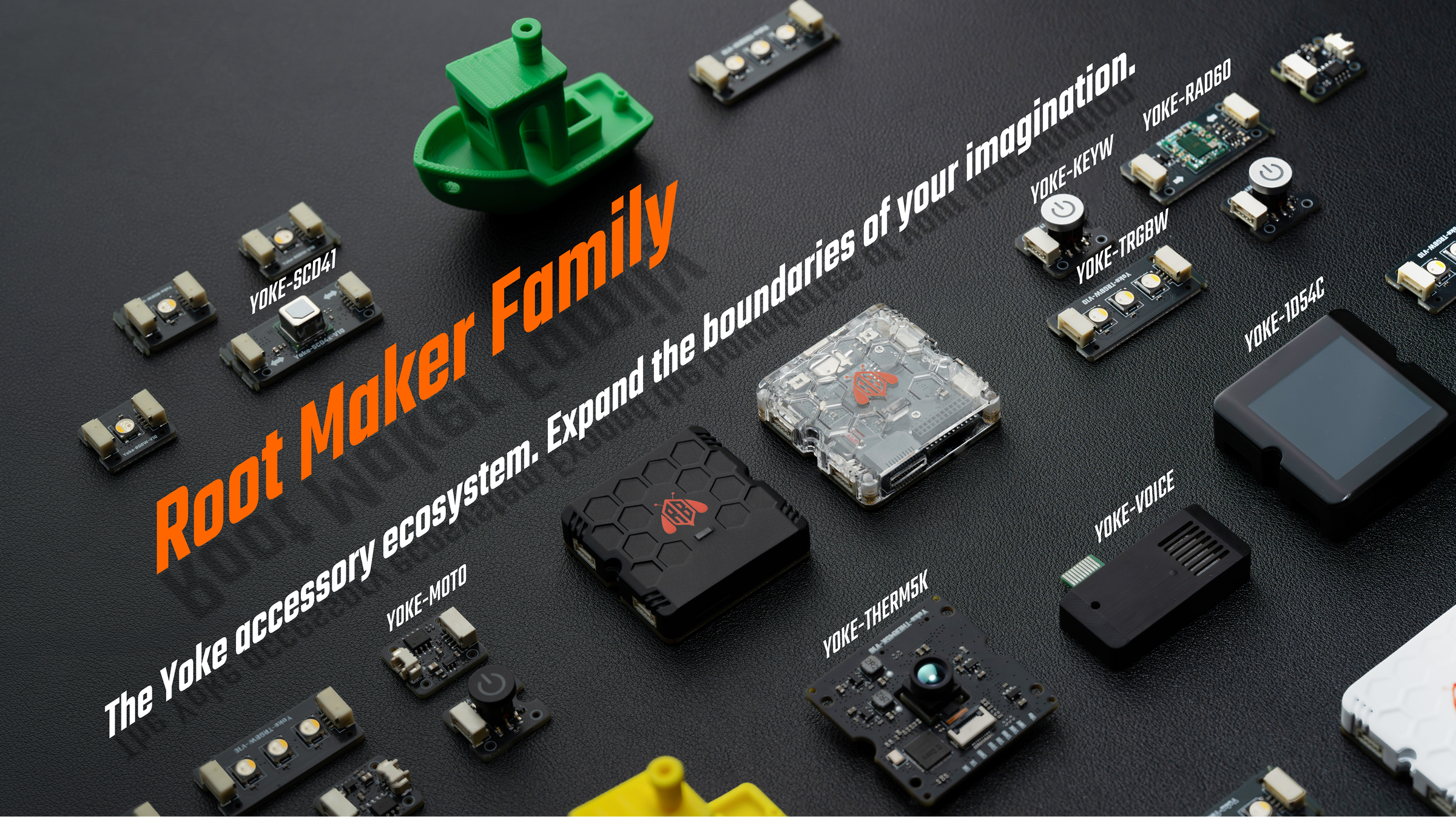
Yes—you’re seeing it right: it’s an RGBW lighting module. We added a dedicated white channel, so it’s no longer that “fake” mixed white—making it a much better fit for home lighting setups.

This radar can track the coordinates of up to three targets at once—no need to say more, it’s scary powerful.
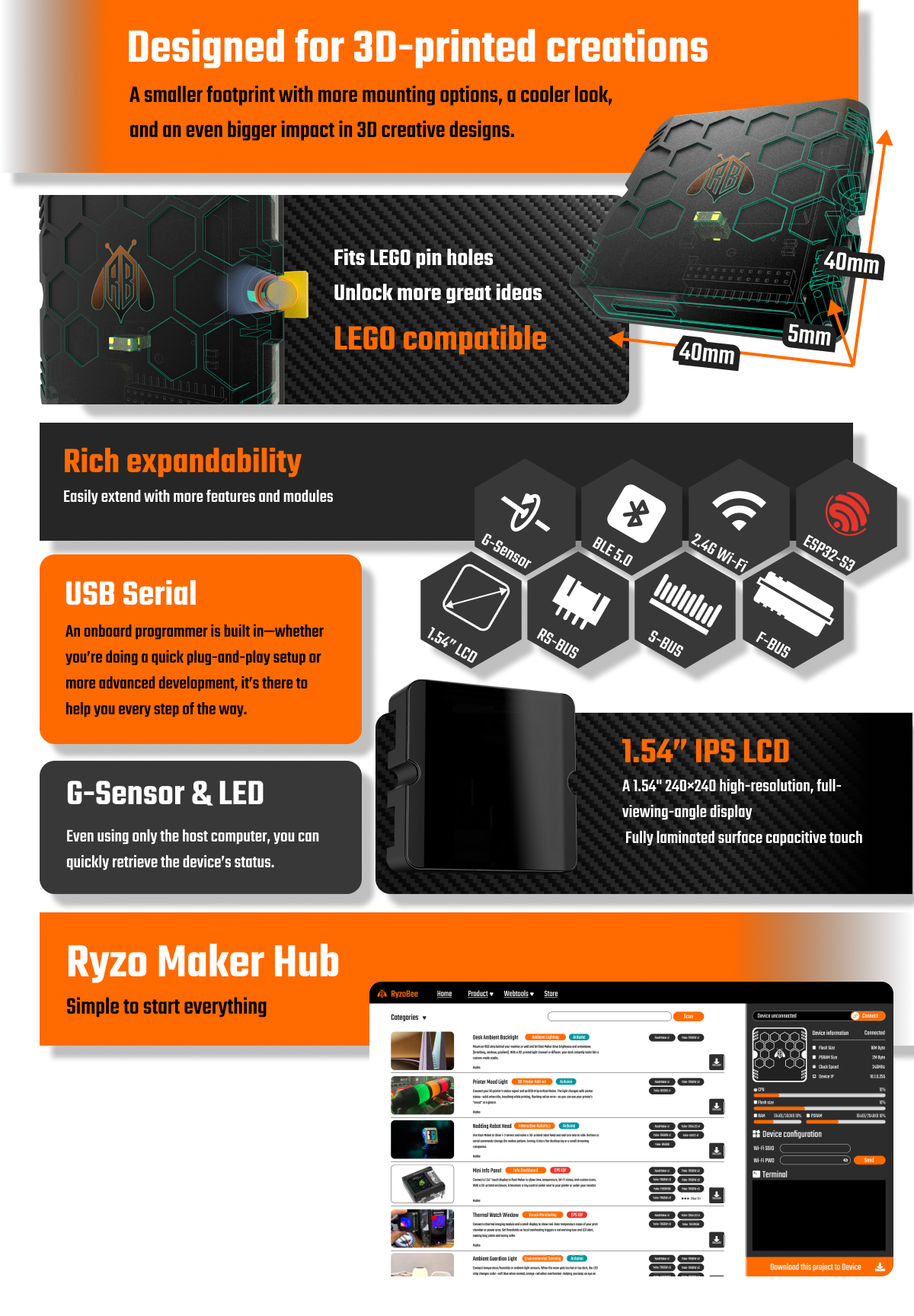
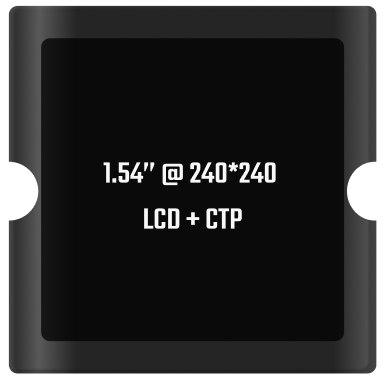
A 1.54" display that truly fits the design aesthetic—built-in touch, refined capacitive control, and beautifully chamfered glass corners. Everything just feels perfectly finished.


This is a super module—it packs a speaker, microphone, and even local voice recognition. It’s basically RootMaker’s ears, mouth, and little brain. And don’t ask me why we put something this important on the outside. 😄
Oh, nothing grabs my attention like thermal imaging. Blown hardware, a misbehaving heated bed—this is the tool you need to track problems down fast. Now you can have one too… and you can even customize it.


Give your 3D-printed parts touch sensing—stick copper tape anywhere, or 3D-print with conductive material, and your build can detect touch.

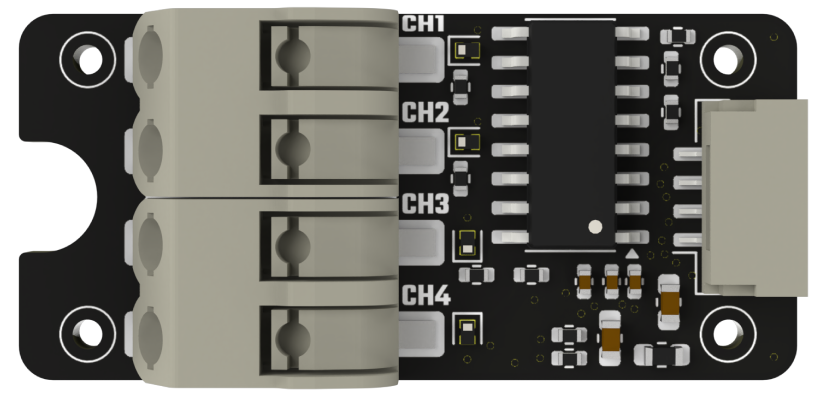
Power up the motors in your 3D-printed builds.

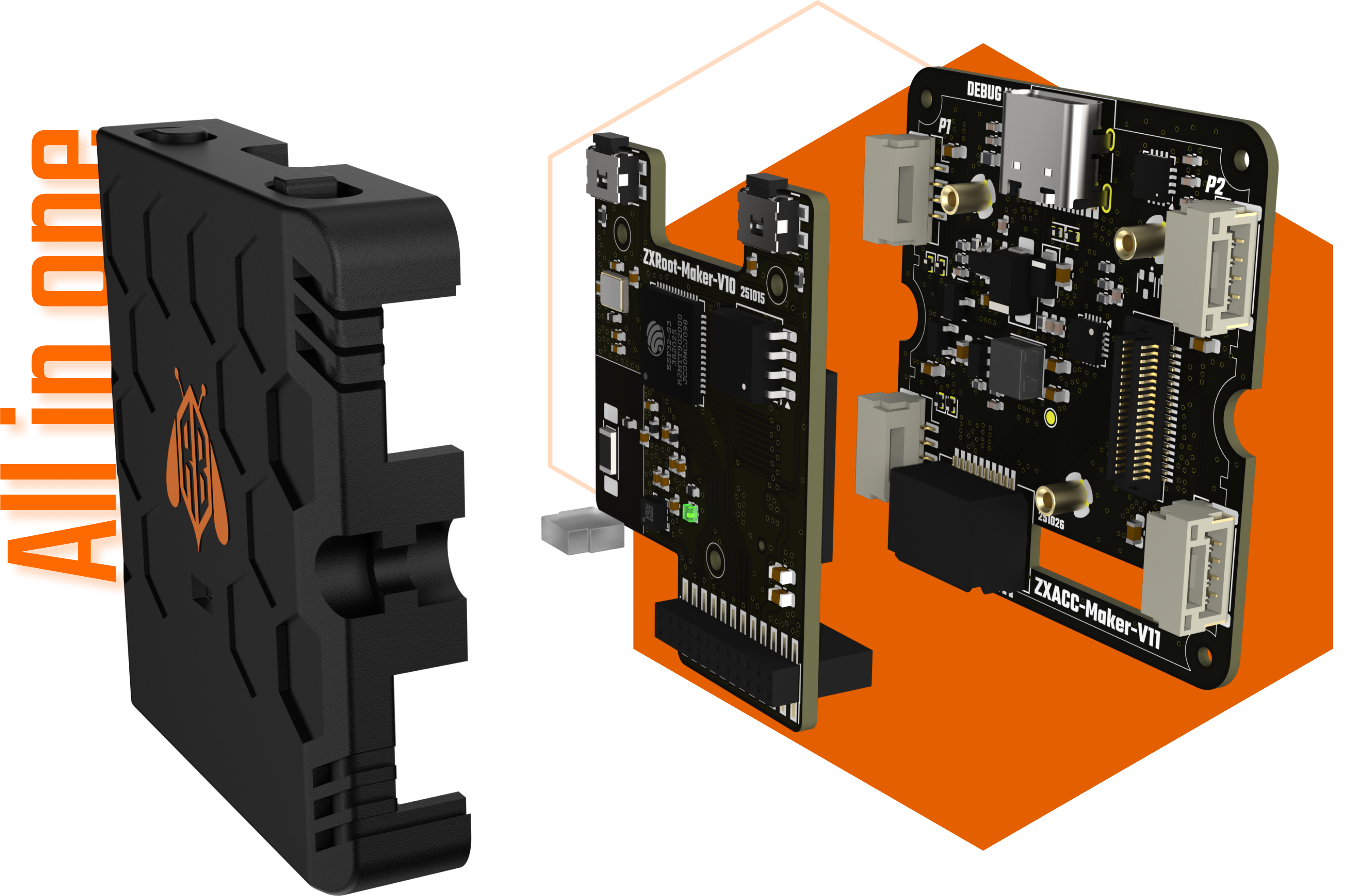
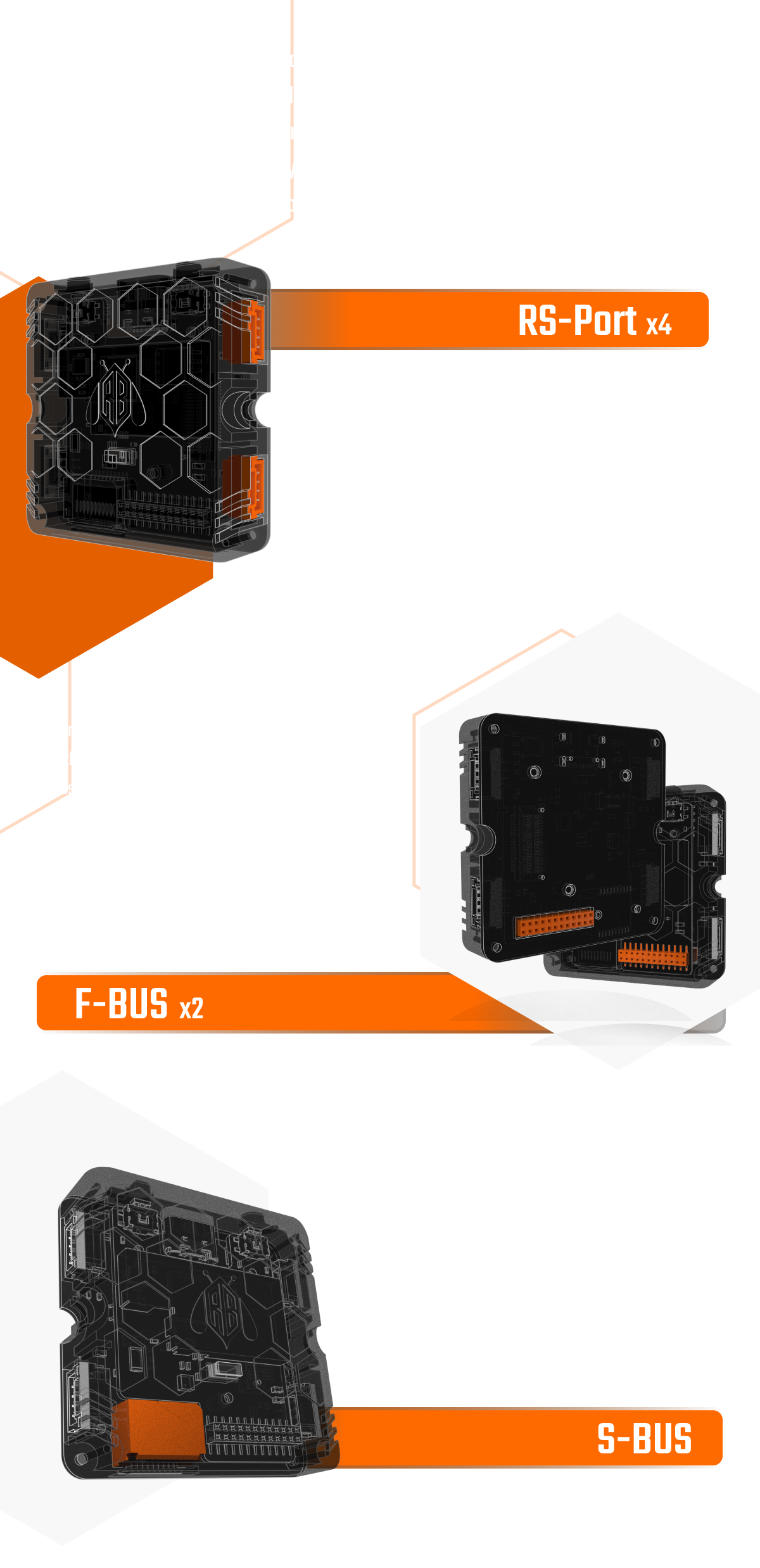
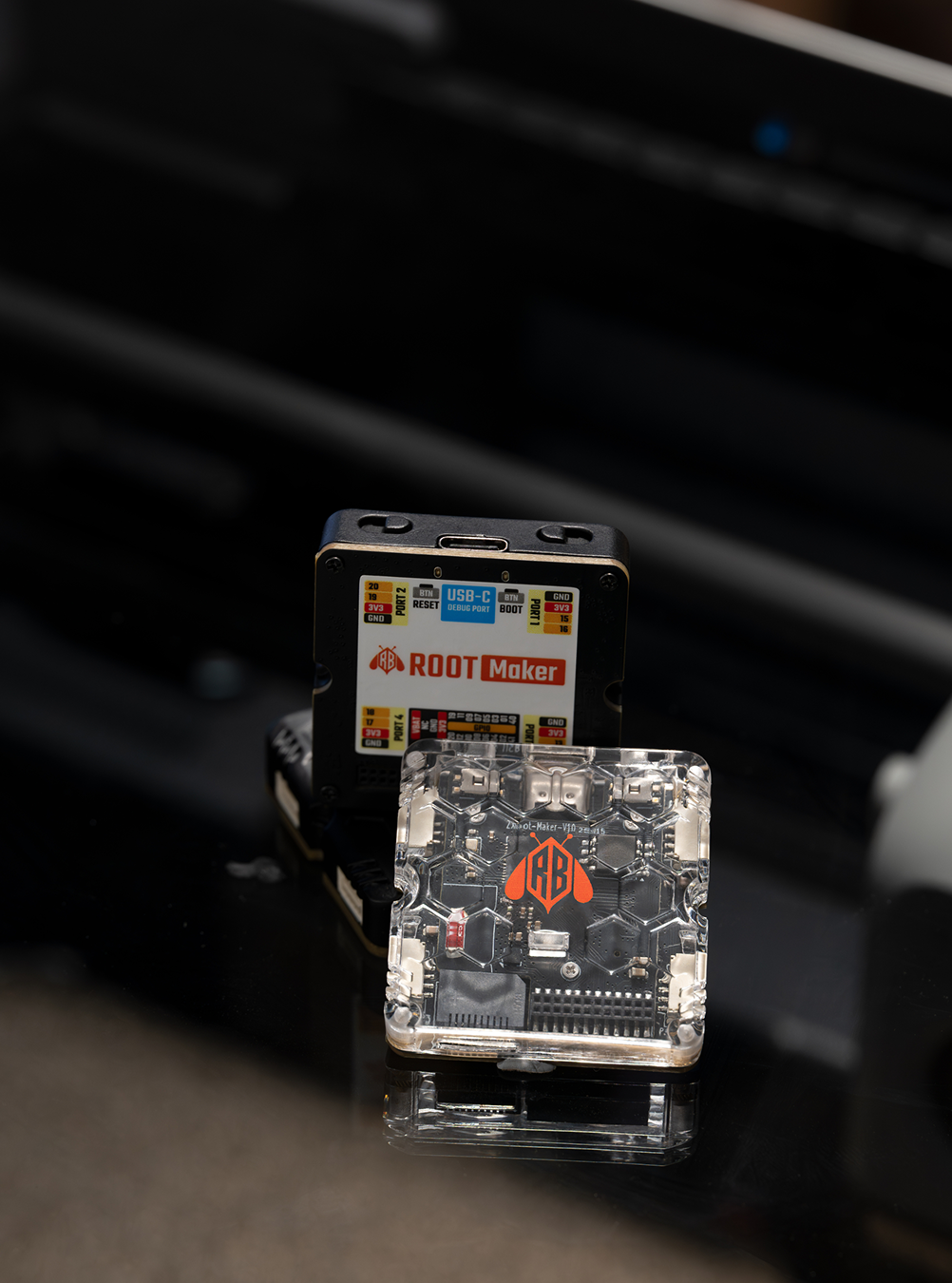
On the side of the device, there are four RS-Ports. Each RS-Port provides two versatile I/O pins plus a power pair (VCC & GND).
RS-Ports use latching connectors to keep connections stable and secure.
With the right cables, RS-Ports are also compatible with a wide range of Grove and Qwiic modules.
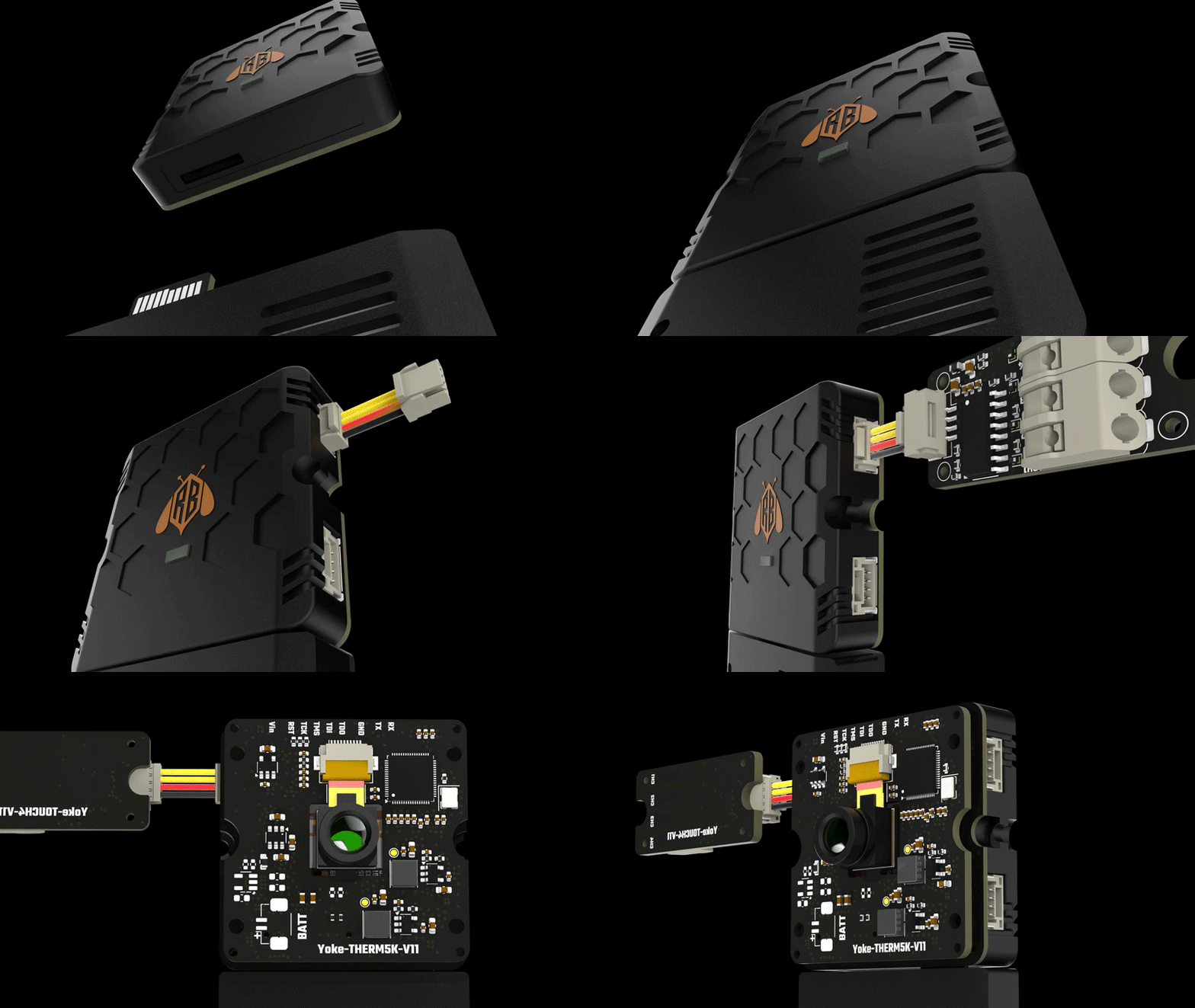
There are two F-BUS connectors—one on the front and one on the back.
These two F-BUS ports share the same set of GPIOs.
On F-BUS, you get up to 16 versatile I/O pins, plus power and a Li-ion battery connector.
Use F-BUS to expand into more advanced features—like LCD displays, thermal imaging sensors, and beyond. Long live creativity!


S-BUS is located on the bottom of the device as a gold-finger edge connector—yes, you saw that right, we added connectivity on the underside too. S-BUS also provides versatile I/O and power connections.
If you’re a network engineer, you’ll recognize this one—yes, it’s an SFP port. XD
| Project | Specifications |
|---|---|
| SOC | ESP32-S3 (Xtansa Dual-core,240MHz) |
| Memory | Flash:8Mbyte PSRAM:2Mbyte |
| USB | USB Serial (CH343 inside) |
| Wireless | Wi-Fi 2.4G / BLE5 |
| Power input | USB-C 5V / Outside 5V power in |
| Battery | Compatible with 4.2V lithium-battery connectors and supports charging. The battery is not included. |
| Display | 1.54” @ 240*240 pixel ISP LCD |
| Touch | CTP G+F |
| Interface | USB-C/RS-Port x4 / F-BUS x2 / S-BUS x1 |


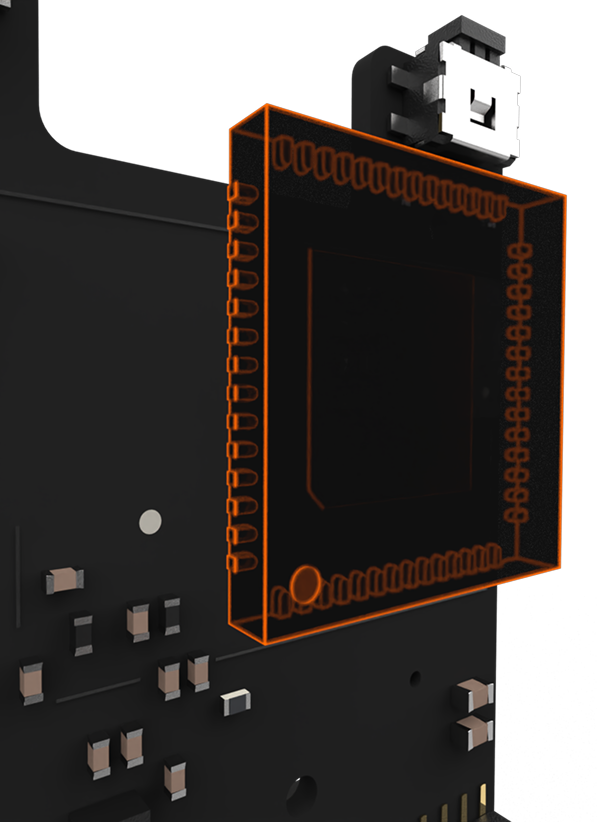
ESP32-S3 is a dual-core Xtensa LX7 MCU, capable of running at 240 MHz. Apart from its 512 KB of internal SRAM, it also comes with integrated 2.4 GHz, 802.11 b/g/n Wi-Fi and Bluetooth 5 (LE) connectivity that provides long-range support.